
How to photograph book pages for listening
A sentence can begin on one page and end halfway down the next. Neural Reader lets you arrange your photos and review the passage as one piece before a voice reads it. Here’s how to capture a chapter you can follow with your eyes closed.
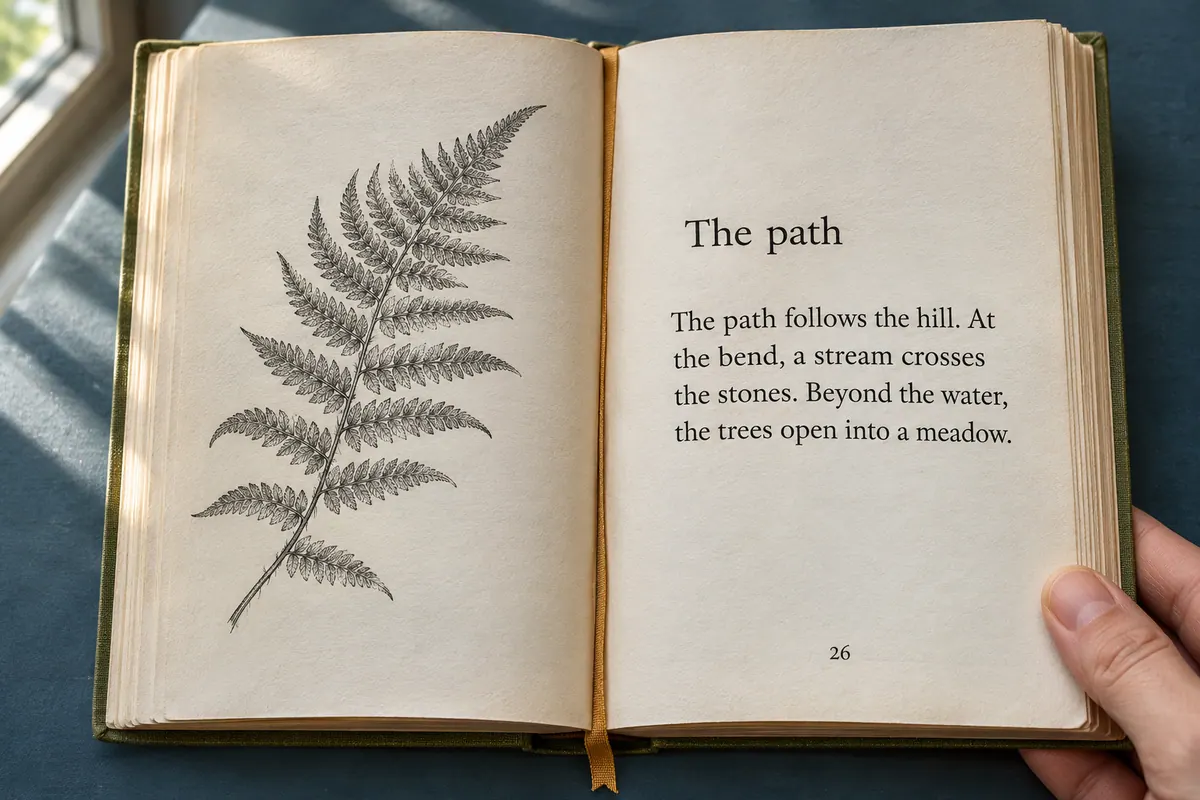
Start with two facing pages
Give each page its own photo
Hold the camera parallel to the page and include the first and last lines. Angle the light away from glossy paper. If letters disappear into shadow near the spine, move the light or reposition the book before taking the next photo.
Put the pages in reading order
In Neural Reader, tap +, choose Read aloud, then Images. Take photos or select the ones you saved. Drag the page thumbnails into sequence and tap Continue. A short pair is enough to check your setup.
Read across the page turn
In Extracted text, find the last few words from the first photo and the opening words from the second. Read them in one breath. You can edit the passage here, then tap Read to hear it in your chosen voice.
By dusk the keeper had reached the
footbridge. Below it, the tide had turned.
Compare with the listening text
By dusk the keeper had reached the footbridge. Below it, the tide had turned.
The page number belongs in the margin. The space between “the” and “footbridge” belongs in the sentence.
What belongs in the listening copy?
A running book title and a page number help you find your place on paper. In the middle of a spoken sentence they can sound like part of the story. Neural Reader looks for the main text in a photo. If a running title slips into the passage, delete that occurrence in Extracted text. Keep a chapter heading when you want to hear the change of scene.
A footnote takes a little judgment. For a novel, you might leave a publisher’s note out. For a history seminar, you might want the entire note. Compare the bottom of the page with the extracted passage and put the words where you want to hear them.
Decide which hyphens to keep
Imagine a narrow line ending in “lan-” with “tern” on the next line. The voice should receive “lantern”. A word like “well-being” keeps its hyphen even when there’s room on the line. Check the complete word in context before joining it.
The same test works across photos. If the first photo ends in “foot-” and the next begins with “bridge”, join them as “footbridge”. If the first ends with “the” and the next begins with “garden”, leave one space. When two photos overlap, keep the repeated line once.
Give names and abbreviations a short audition
“St.” can mean “Saint” in “St. Anne” and “Street” in an address. Spell out the intended word in your listening copy if you want to steer the pronunciation. For an unfamiliar surname, try one sentence through Read aloud → Text before recording a whole chapter.