
Text-to-speech guides
Listen to documents, scan printed pages, or turn scripts into MP3s.
Read & listen
Start with a document, a book, or an article you already have.
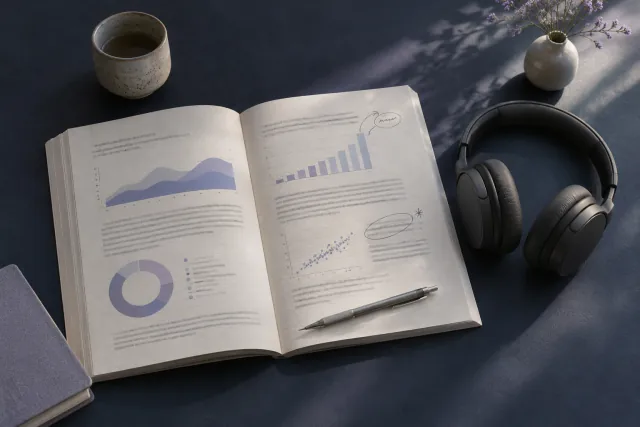 Listen to a PDFChoose a page range and listen at your own pace.
 Listen to a web articleTurn a saved article into something you can listen to on a walk.
 Read an EPUB aloudAdd a chapter from an ebook to your listening queue.
 Ask questions about a PDFClarify a term or find the part of a paper you want to revisit.
Scan & import
Bring printed pages, scanned files, and saved links into Neural Reader.
 Photograph book pagesFollow a sentence across two page photos.
 Read a scanned PDF aloudCheck reading order when the words on the page can’t be selected.
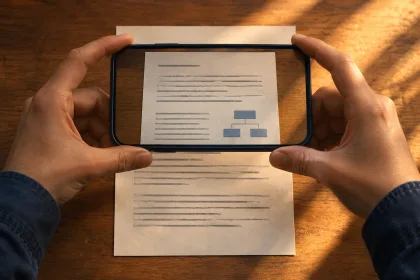 Scan a handout or printed notePut photos in order and check the words before listening.
 Share files, photos, or linksSend reading material to Neural Reader from your phone’s Share menu.
Voices & narration
Find a voice you like and turn your own writing into audio.
 Turn a script into a voiceoverMake short narration clips you can line up with your video.
 Hear voices by languageBrowse languages and play samples before you choose.
 Export a recording as an MP3Keep a copy or take the audio into your editor.
 Narrate audiobook chaptersKeep the voice and chapter files consistent across a book.