Listen to an EPUB book on your phone
Have a book you want to read while walking or commuting? Start with an EPUB file you can access from your phone’s file picker.
Make a book part of your listening queue
Select your book file
Tap +, choose Read aloud, tap File, and select the EPUB. Use a DRM-free file you have permission to open.
Start with the part you want
Use All pages or try a smaller Range for a long book. Check Extracted text, then tap Read. You can set the reading language and voice in Settings.
Add the recording to your playlist
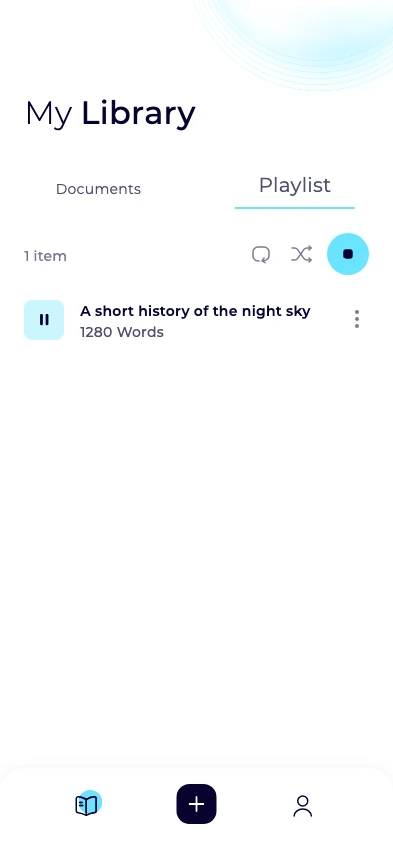
Open the saved item’s menu in your library and choose Add to playlist. Open the individual recording to resume where you stopped on that device.
Make long books easier to find later
EPUB ranges are based on text length, so their page numbers may differ from those in your ebook reader. Check the extracted text to make sure you have the section you want.
Create separate recordings for the parts you want to listen to and give each a title you will recognize. Plan and word limits may affect how much text you can generate at once.
Book stores sometimes restrict export. Download the EPUB file to your device before importing it. For a web chapter, Neural Reader can also try to extract the text from an accessible public article link.